
Most electrical problems don’t start as explosions.
They start as:
- a slightly warm outlet,
- a loose plug,
- a cracked faceplate,
- a sketchy extension cord under a rug,
- a power strip quietly cooking behind the TV.
You don’t need to be an electrician (or own fancy tools) to catch a lot of this early.
You can walk room-to-room and spot the obvious danger signs in 10 minutes per room — just using your eyes and hands.
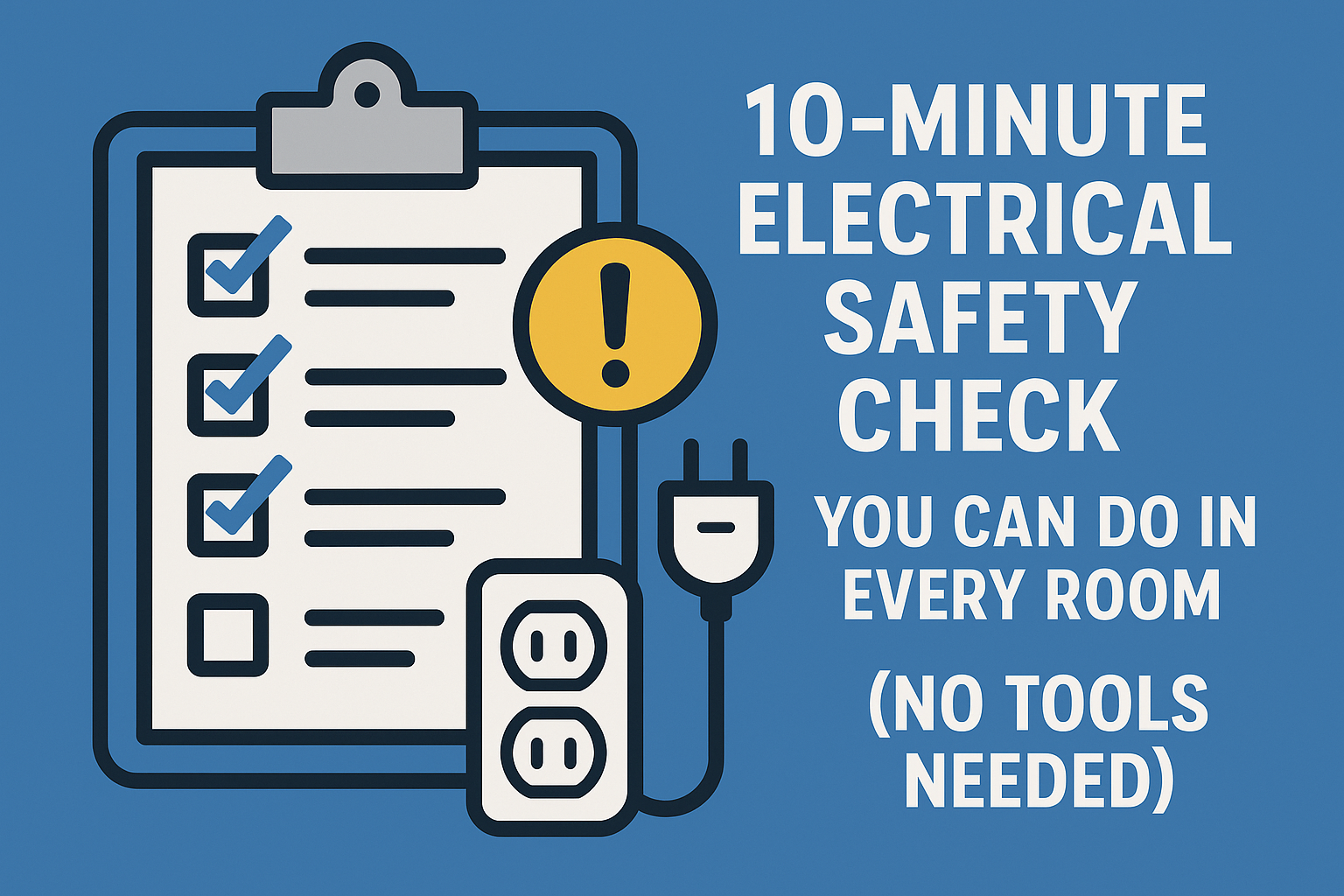
Today, Amp Nerd gives you a simple DIY electrical safety checklist you can repeat every few months:
No tools. No panel work. No live wiring.
Just smart inspection and common sense, explained by an engineer.
How to Use This Checklist
For each room, you’ll check:
- Outlets
- Power strips & extension cords
- High-wattage appliances
- Chargers & adapters
- Lighting (lamps, fixtures)
You don’t have to fix anything yourself.
The goal is to flag:
- “Safe enough” ✅
- “Replace this” ⚠️
- “Stop using now / call an electrician” 🚫
Let’s go step by step.
1. Outlet Check – The Most Important Part
Outlets are one of the most common starting points for electrical fires.
You’re checking three things:
- feel (looseness, warmth)
- look (color, damage)
- sound/smell (any weirdness)
🔹 1.1 Plug Grip Test
Pick a device you already have plugged in — lamp, charger, etc.
- Gently pull the plug halfway out and push it back in.
- Does it feel firm and snug, or wobbly and loose?
- Ask:
- Could gravity almost pull it out?
- Does it wiggle easily side to side?
Good: plug fits tightly, needs a bit of force.
Bad: plug droops, wiggles a lot, or almost falls out → outlet is worn.
Loose outlets mean poor contact pressure → micro-arcing → heat → fire risk.
Mark these to replace soon.
🔹 1.2 Heat Check (Use the Back of Your Fingers)
With something that’s been on for at least 10–15 minutes (lamp, charger, PC):
- Lightly touch the outlet faceplate and the plug.
- It should be cool or just slightly warm.
Unsafe signs:
- The outlet feels noticeably warm or hot.
- The plug feels hotter than the device itself.
- One side of a duplex outlet is warmer than the other.
Warm = “something is wasting power as heat at that connection”.
Hot = stop using that outlet for that device until it’s checked.
🔹 1.3 Visual Inspection
Look closely at each outlet and cover:
- Any cracks, chips, or missing pieces?
- Any brown/yellow discoloration around the plug holes?
- Any melted or glossy-looking plastic?
- Any black or dark spots (scorch marks)?
If yes: that outlet has seen overheating or damage before.
Rule: cracked or discolored outlets get replaced, not ignored.
🔹 1.4 Sound and Smell Check
While plugs are in and devices are running:
- Do you hear any crackling, sizzling, or buzzing near outlets?
- Do you smell a faint burning, “hot plastic”, or “fishy” odor near a wall?
That’s not “just old house smell.”
That’s often overheated plastic or insulation.
If you hear or smell anything electrical:
🚫 Unplug what you can from that outlet.
🚫 Don’t use it until inspected.
This is call-an-electrician territory.
2. Power Strips & Extension Cords – Under Desks and Behind TVs
Next, check all the strips and cords in the room.
Look in the usual mess zones:
- under the desk
- behind the TV
- next to the bed
- in corners powering lamps and chargers
🔹 2.1 Overload & Daisy-Chain Check
Ask:
- Do you have strip → strip → extension cord stacked together?
- Is one outlet feeding half the room through multiple strips?
- Is a space heater, microwave, or hairdryer plugged into a strip?
Red flags:
- Daisy-chaining strips and cords.
- High-wattage devices (heater, iron, microwave, air fryer) on any strip or skinny cord.
Rule:
– Strips are for electronics and small stuff, not heaters.
– One strip per wall outlet, no chain gangs.
🔹 2.2 Strip and Cord Condition
Look for:
- Frayed insulation
- Cracked or stiff cables
- Visible internal wires
- Electrical tape “repairs” (twist & tape is not a fix)
- Flattened cords under furniture
- Cords run under rugs
Touch the strip and cord while things are on:
- Is the plastic warm or hot?
- Is the cord softer than usual near the plug?
Warm → watch it.
Hot → retire it.
🔹 2.3 Plug Fit and Housing
Check:
- Does every plug fit snugly into the strip?
- Any melted-looking or discolored sockets?
- Any spark when you plug something in?
If plugs are loose, or the strip has any burn marks:
⚠️ Replace the strip. They’re consumable items, not life partners.
3. High-Wattage Appliances – Spot the Fire-Starters
Any room with:
- space heaters
- hair tools (straighteners, dryers)
- irons
- microwaves
- kettles
- toasters
- air fryers
…deserves special attention.
🔹 3.1 Direct-to-Outlet Check
Each high-watt device should be:
- plugged directly into a wall outlet,
- with no thin extension cord,
- and no power strip in between.
If you find:
- heater → extension cord → strip → wall
- hair dryer → strip balanced on the sink
- air fryer → cheap cord into a wobbly outlet
→ That’s a priority safety fix.
🔹 3.2 Cord & Plug Check
Look at the appliance’s own cord:
- Any cuts, nicks, scorch marks?
- Does the plug have melted or browned plastic?
- Do you see any bent, loose, or wobbly prongs?
If yes: stop using that appliance until the cord/plug is repaired or replaced.
4. Chargers, Bricks, and Adapters – Silent Little Space Heaters
Phone chargers and laptop bricks don’t draw as much power, but:
- they run for hours
- many are cheap and poorly built
- they’re often buried under pillows, blankets, or papers
🔹 4.1 “Under Stuff” Check
Look for:
- chargers under pillows or blankets
- laptop bricks buried behind beds, under clothes, or in piles
- devices charging on soft surfaces that trap heat
SMPS (switch-mode power supplies) don’t like being suffocated. They warm up as they convert energy.
Rule:
Chargers should be able to breathe. If you can’t see them, they might be overheating.
🔹 4.2 Heat & Smell
Touch your charger brick after 15–20 minutes of use:
- Warm is normal.
- Very hot or hard to touch? Not great.
- Any burnt electronics or plastic smell? 🚫 Retire it.
Also check:
- any yellowing or browning of plastic
- buzzing or whining noises
- frayed or kinked cables near the plug
Cheap, hot, smelly chargers → toss them. A phone or laptop is worth more than the risk.
5. Lighting – Lamps, Bulbs, and Fixtures
Lighting can hide some simple but nasty issues.
🔹 5.1 Lamp Cords
Check:
- cords pinched under furniture
- cords wrapped around metal bed frames
- extensions powering multiple lamps + other devices
Look at the lamp plugs and sockets too:
- Any blackening?
- Loose fit in the outlet?
- On/off switch crackling or flickering?
🔹 5.2 Bulb Wattage vs Fixture Rating
On many fixtures (and lamps), there’s a label:
“Max 60W”, “Max 40W”, etc.
If you’re using incandescent or halogen bulbs over that rating, the fixture can overheat.
With LEDs, this is usually less of an issue (lower actual wattage), but:
- Don’t use cheap, no-name LED bulbs that overheat in enclosed fixtures.
- Watch for LED flicker or burning smell = bad drivers.
🔹 5.3 Ceiling Fixtures & Fans
From ground level, look for:
- loose or sagging fixtures
- yellowing plastic diffusers
- buzzing that changes with load
- black marks near where wires enter
Anything that looks like it’s pulling away from the ceiling or has discoloration deserves attention.
Your 10-Minute Per Room Checklist
Here’s how you can actually run this in real life:
✅ For each room:
- Walk the walls:
- Check every visible outlet:
- plug grip
- warmth
- cracks/discoloration
- Check every visible outlet:
- Look under and behind furniture:
- Find all power strips and cords
- Check for: daisy-chains, under-rug runs, damaged insulation
- Find high-wattage devices:
- Heaters, irons, hair tools, kitchen appliances
- Confirm they go directly into decent outlets
- Scan charger nests:
- Remove them from soft surfaces
- Check for heat and cable damage
- Look up at lighting:
- Sagging fixtures
- damaged shades
- obviously oversized non-LED bulbs
If you do this once, you’ll probably find a few “yikes” situations.
If you do this every few months, you’ll catch issues before they become dangerous.
Amp Nerd Fun Facts
- Most house electrical fires start at connections (outlets, strips, cords), not in the middle of a wire in the wall.
- A plug that falls out on its own is not “just annoying” — it’s a sign the outlet contacts are worn and more likely to arc.
- A surprising number of extension cords are explicitly labeled “not for use with heaters,” but nobody reads the jacket.
- Cheap chargers can run hot enough to start a fire if buried under pillows.
- Many people have at least one outlet or strip in their home that gets warm in normal use and they’ve never touched it to check.
Amp Nerd Summary
You don’t need tools, meters, or advanced knowledge to do a basic electrical safety sweep.
You just need to:
- look for cracks, discoloration, sketchy cords, and stupid setups
- feel for warmth where it shouldn’t be
- listen for buzzing or crackling
- smell for anything burnt or “electrical”
Do that 10-minute check in each room and you’ll catch:
- dying outlets,
- dangerous strips,
- bad heater setups,
- suffocating chargers,
long before they reach “firefighter with an axe” level.